

You need a WordPress maintenance plugin exactly twice: when you launch your site, and when you redesign it. Two critical moments when your visitors shouldn’t come across a blank page or, worse, a half-broken site.
But here’s the problem. There are over 40 maintenance plugins on WordPress.org. Some haven’t been updated since 2019. Others bombard you with ads as soon as you install them. And a few – rare ones – actually do the job.
At 1001Web™, in operation since 2008, we’ve tested just about everything out there. We even ended up developing our own solution – Maintenance GENIUS – because no plugin ticked all our boxes. But I’ll be honest: it’s not necessarily the right choice for everyone.
Here’s a straightforward comparison.
Why a WordPress maintenance plugin is non-negotiable
Last week, a customer called me. His developer had just put his site online “to test a few things”. Result: Google indexed a home page with Lorem Ipsum and a contact form that sent messages into the void. The site stayed like that for 11 days.
This is not an isolated case.
A good WordPress maintenance plugin does three essential things. First, it protects your brand while you’re working on your site. Second, it sends the right signal to search engines – the famous HTTP 503 code that says “come back later” without penalizing your SEO. Thirdly, it lets you work in peace while your customers see a professional page.
| ⚠️ WARNING A site “under construction” without a 503 code may be interpreted by Google as poor content. We’ve seen sites lose a significant proportion of their organic traffic after a poorly managed redesign*. |
* [1]
The 7 criteria that really count
Before diving into the comparison, here’s what we systematically evaluate when testing a WordPress maintenance plugin:
- HTTP code 503 + Retry-After header – This is the basis of SEO in maintenance mode. Without it, you’re playing with fire.
- Automatic noindex tag – To prevent Google from indexing your “Come back soon” page.
- Whitelist by WordPress role – Your admins and editors need to be able to work without logging out.
- Access by password or unique link – To show progress to a customer without creating an account.
- Visual personalization – Logo, colors, personalized message. Not a generic page.
- Countdown – Optional, but useful for building anticipation.
- Lightweight code – A maintenance plugin shouldn’t slow down your site.
The comparison: 5 plugins under the microscope
We installed each plugin on a clean WordPress 6.7, configured the basic options, and verified actual behavior – not just what the marketing page promises. All prices are in Canadian dollars[2].
[IMAGE: Side-by-side screenshot of default maintenance pages for each plugin]
| Criteria | GENIUS maintenance | WP Maintenance Mode | SeedProd | Coming Soon Page |
| HTTP 503 + Retry-After | ✅ Native | ⚠️ Partial | ✅ Yes | ❌ No |
| Noindex auto | ✅ Yes | ✅ Yes | ✅ Yes | ⚠️ Manual |
| Whitelist WP roles | ✅ Free | ✅ Free | 💰 Pro | ✅ Free |
| Single link access | ✅ PRO ($49) | ❌ No | 💰 Pro | ❌ No |
| Design presets | 14+ (HD + video) | 5 basics | 100+ (PRO) | 10+ |
| Countdown | ✅ 3 styles | ✅ 1 style | ✅ Multiple | ✅ 1 style |
| RGPD / Without external CDN | ✅ Dedicated mode | ❌ No | ❌ No | ❌ No |
| Last update | Feb. 2026 | Oct. 2024 | Jan. 2026 | Dec. 2025 |
| Full version price | 49 CAD/year | Free | ~$110 CAD/year | ~$55 CAD/year |
| Origin | 🇨🇦 Québec | 🇩🇪 Germany | 🇺🇸 United States | 🇺🇸 United States |
Detailed analysis of each plugin
Maintenance GENIUS – Ours, therefore necessarily biased
Yes, it’s our plugin. And yes, we sincerely believe it’s the best value for money on the market. But I’m going to be transparent about its limitations.
What we’ve done differently: the free version is actually usable. Native HTTP 503, role whitelist, countdown timer, email notifications – all without paying. We also have a strict RGPD mode that loads zero external resources, because some of our customers in Europe require it.
What’s still missing: fewer templates than SeedProd (14 vs. 100+), no visual drag-and-drop builder. If you want an ultra-customized maintenance page with complex sections, SeedProd will be more flexible.
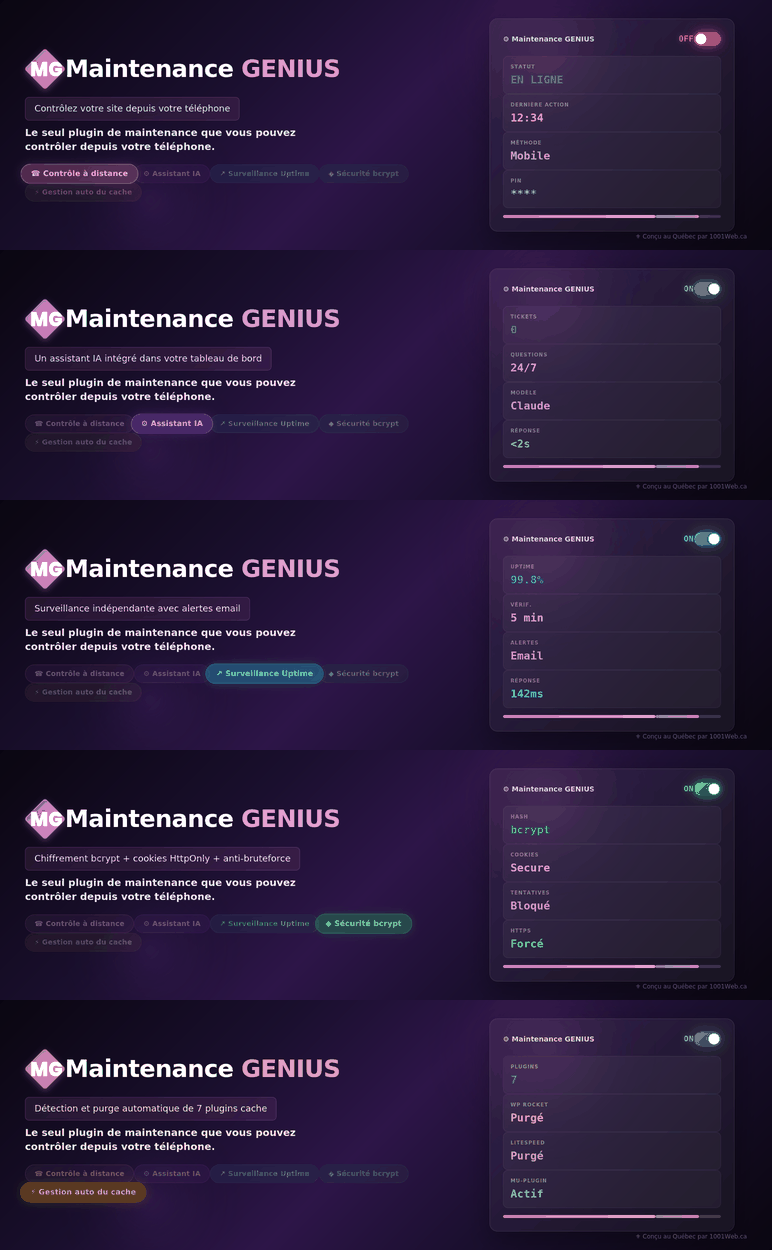
The most original feature: an AI assistant integrated directly into the admin. Got a question about configuration? Just ask. 3 free questions per day, unlimited in PRO.
WP Maintenance Mode – The tired veteran
Over 900,000 active installations[3]. It’s the plugin everyone knows. But really? It’s showing its age.
The interface hasn’t changed in years. The HTTP 503 code is there, but the Retry-After header is sometimes missing, depending on the server configuration. And the last significant update was several months ago.
For whom it’s good: if you just want a basic ON/OFF and don’t care much about design, it does the job. Free, light, no fuss.
SeedProd – The Rolls-Royce (and the price that goes with it)
SeedProd is the choice of American agencies that charge premium prices for redesigns. The visual builder is impressive. Templates are polished. Native email marketing integration.
But. About $110 CAD per year for a single site. Nearly $275 CAD for 3 sites. More than $550 CAD for unlimited. And the free version is so limited that it serves mainly as a demo.
Who it’s good for: agencies who want a complete page builder (landing pages, coming soon, customized 404) in a single tool. If you already have Elementor or Divi, it’s redundant.
Coming Soon Page & Maintenance Mode – The discreet challenger
Underrated plugin with a loyal community. Clean interface, fair price (around $55 CAD/year), good selection of templates.
The problem: no native HTTP 503 code in the free version. This is prohibitive for SEO. You’ll have to upgrade to PRO or tweak your .htaccess.
| Need help with your WordPress redesign? 1001Web™, in operation since 2008, supports Quebec NPOs and SMEs. Manual maintenance by senior technicians, hosting on own infrastructure and 15% discount for NPOs/NPOs. Contact us → 1001web.ca/contact |
The verdict: which WordPress maintenance plugin to choose?
Here’s my honest recommendation, depending on your situation:
| Your situation | My choice |
| Zero budget, basic needs | WP Maintenance Mode |
| SMEs/NPOs who want to go pro without breaking the bank | GENIUS maintenance (free or PRO) |
| Agency with marketing budget | SeedProd PRO |
| European site, strict RGPD requirements | GENIUS maintenance (RGPD mode) |
| You promote local Québec purchasing | Maintenance GENIUS 🇨🇦 |
How to install GENIUS Maintenance in 2 minutes
If you choose our solution, here’s how to proceed:
- Step 1: In your WordPress admin, go to Extensions → Add. Search for “GENIUS Maintenance”.
- Step 2: Click on Install, then Activate. The plugin appears in the side menu.
- Step 3: Choose a preset, add your logo, activate maintenance mode. That’s all there is to it.
The plugin is available free of charge from WordPress.org. The PRO version is unlocked with a license key from our customer area on maintenancegenius.ca.
| 💡 PRO TIP Always activate maintenance mode BEFORE you start editing. Not after. We’ve seen too many customers forget and end up with a broken site visible to everyone for hours on end. |
FAQ – WordPress maintenance plugin
Does a WordPress maintenance plugin affect my SEO?
No, as long as it sends the correct HTTP 503 code with a Retry-After header. This signal tells search engines that the unavailability is temporary. Without this code, Google may interpret your page as poor content and de-index it.
Can I show my customer the site under construction?
Yes, with Maintenance GENIUS, you can create a password access (free) or a unique link access (PRO) to allow your customer or your CA to see the progress without creating a WordPress account.
Is GENIUS maintenance compatible with WooCommerce?
Yes. The plugin detects WooCommerce pages and lets you exclude the shopping cart and checkout from maintenance if necessary, so your sales aren’t interrupted while work is being done on other sections of the site.
What’s the difference between “maintenance” mode and “coming soon” mode?
Maintenance mode (HTTP 503) tells search engines “come back later, the site already exists”. The coming soon mode (HTTP 200) says “here’s a new page, index it”. Use maintenance for a redesign and coming soon for a launch.
Why choose a Quebec plugin?
Native French support (not an automatic translation), compatible time zones for support, understanding of the Quebec community environment and buying local. 1001Web™ develops Maintenance GENIUS from Montreal.
Ready to protect your site during construction?
Download Maintenance GENIUS for free from WordPress.org, or visit maintenancegenius.ca to discover all the PRO features.
Got a question? The built-in AI assistant answers in real time. And if you’d rather talk to a human, the 1001Web™ team has been there since 2008.
| Download Maintenance GENIUS free WordPress extension for maintenance, made in Quebec. Complete free version, 100% French interface, RGPD mode, integrated AI assistant. Install from WordPress.org → |
| Need help with your redesign? 1001Web™ – in operation since 2008, WordPress specialist for NPOs and SMBs in Quebec. Discover our services → 1001web.ca/services-web |
[1]* Estimate based on industry standards. Traffic losses vary by site and exposure time. Contact us for a personalized audit.
[2]Competitor prices converted into Canadian dollars at the approximate rate of 1 USD = 1.38 CAD (February 2026). Check official websites for current prices.
[3]Source : WordPress.org, WP Maintenance Mode plugin page (installations active at time of writing).